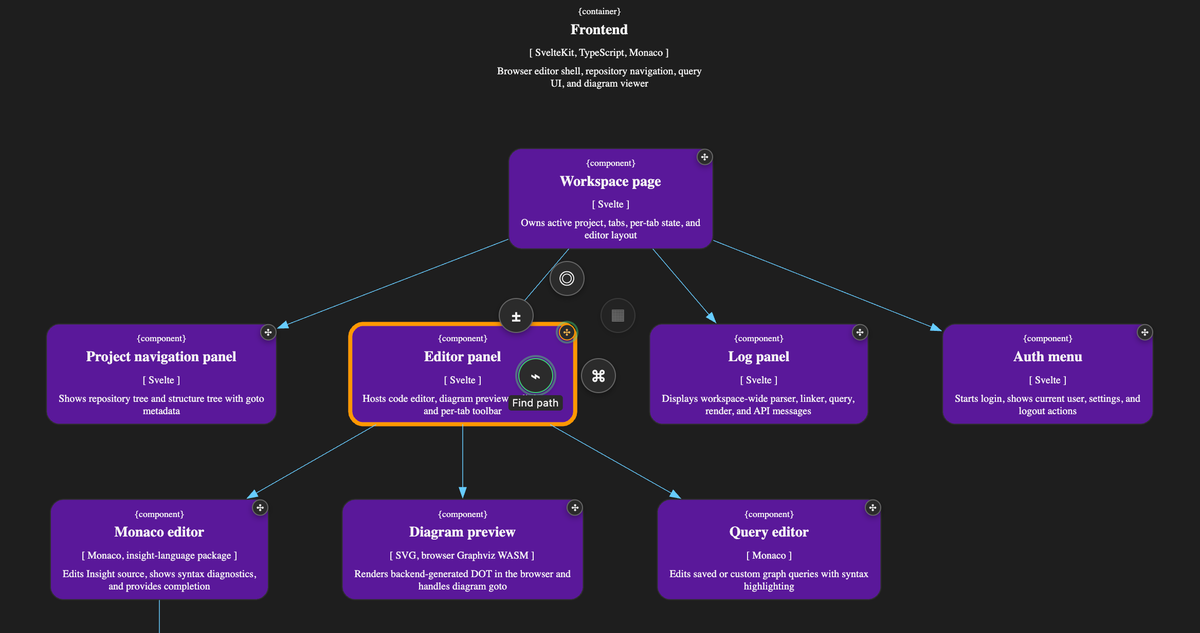
ArchInsight 3.1.3 introduces Quick Actions and Visual Diff. You can now explore dependencies, trace connections, inspect deployments, and see how your architecture changed between Git revisions — directly on diagrams.
Quick Actions: answers in a few clicks
You're looking at a service on a diagram. Which components depend on it? Where is it deployed? Can it reach another service?
Select an element and open its Quick Actions menu:
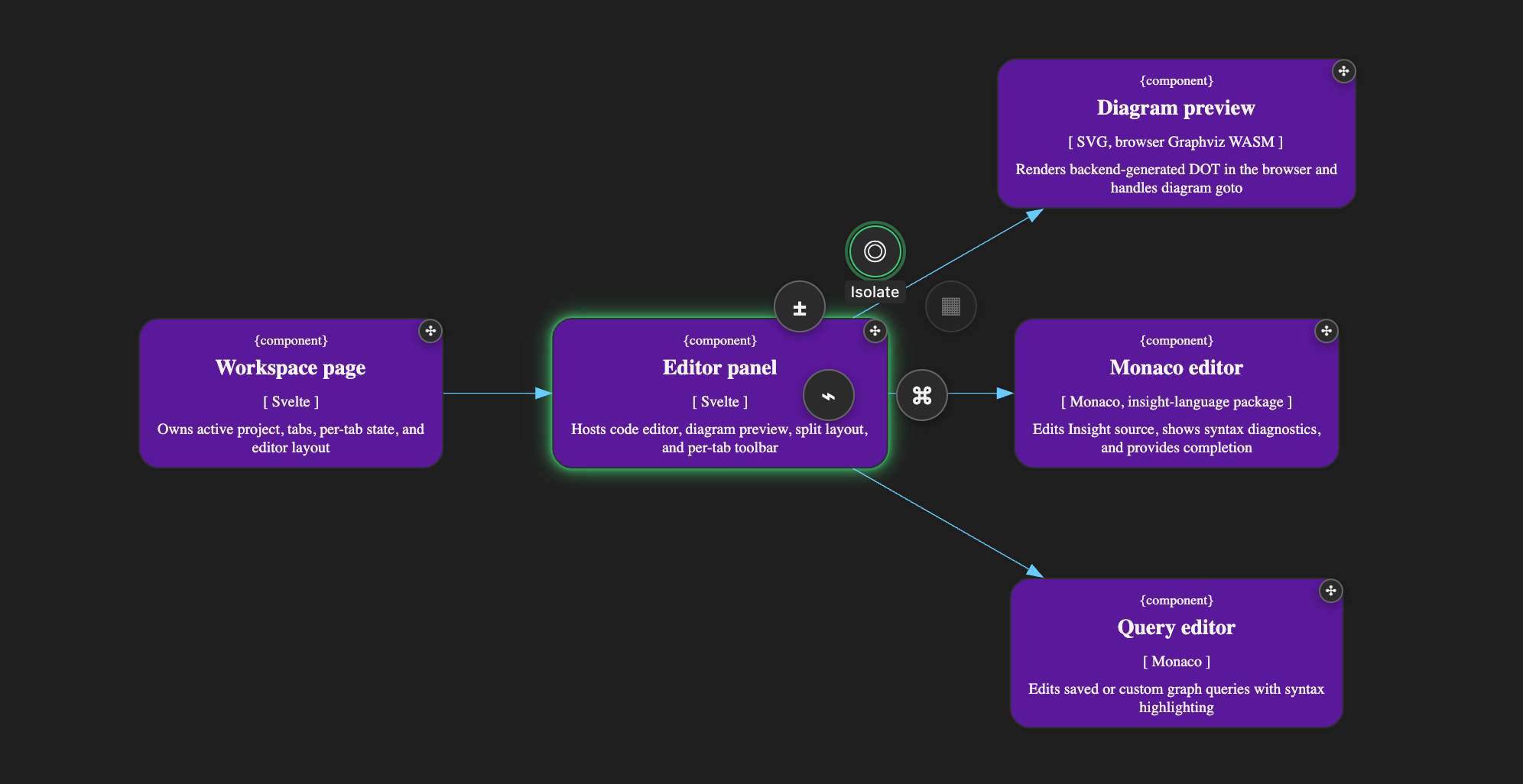
- Isolate shows the selected element with its immediate incoming and outgoing dependencies. Useful when a large diagram has too many connections to follow.
- Show Deployment reveals where the component runs, its deployed instances, infrastructure, and physical connections.
- Find Path finds all directed dependency paths between two elements. You can select the target on another diagram.
- Go to Declaration opens the element's definition in the source code.
- Diff opens a comparison of architecture revisions.
Every action produces a temporary view. You can return to the original diagram at any time.
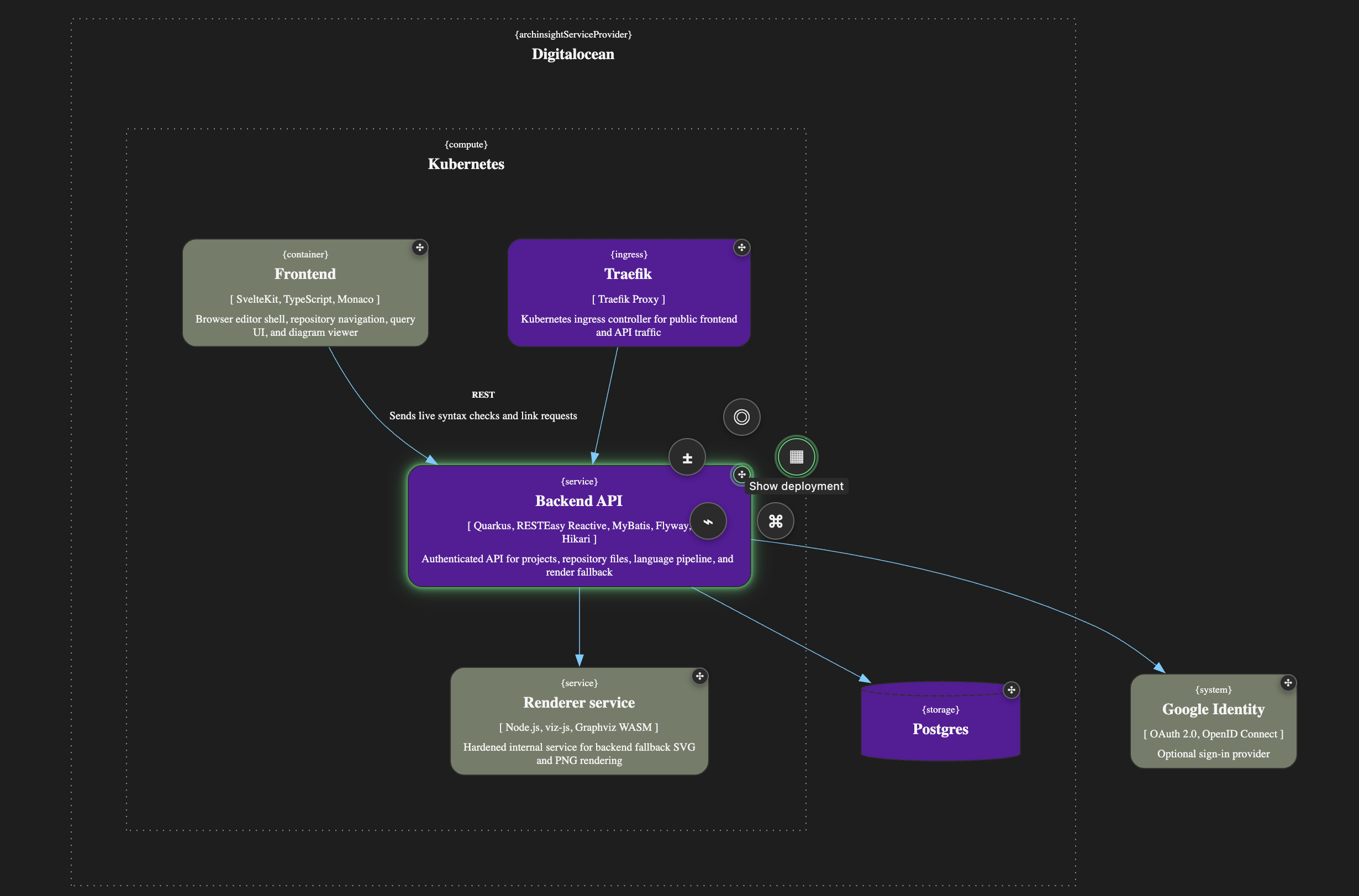
Visual Diff: see what changed in your architecture
Suppose someone adds a relationship between two components. It's a one-line Git change, but it may introduce a new dependency between containers or even entire systems.
Those changes can appear across several C4 levels, including diagrams whose source files haven't been modified.
Visual Diff shows the architectural impact of changes between two Git revisions. Select an element, choose two revisions, and ArchInsight highlights the differences. It compares the complete linked models at both revisions, so changes originating in other files are included whenever they affect the selected view.
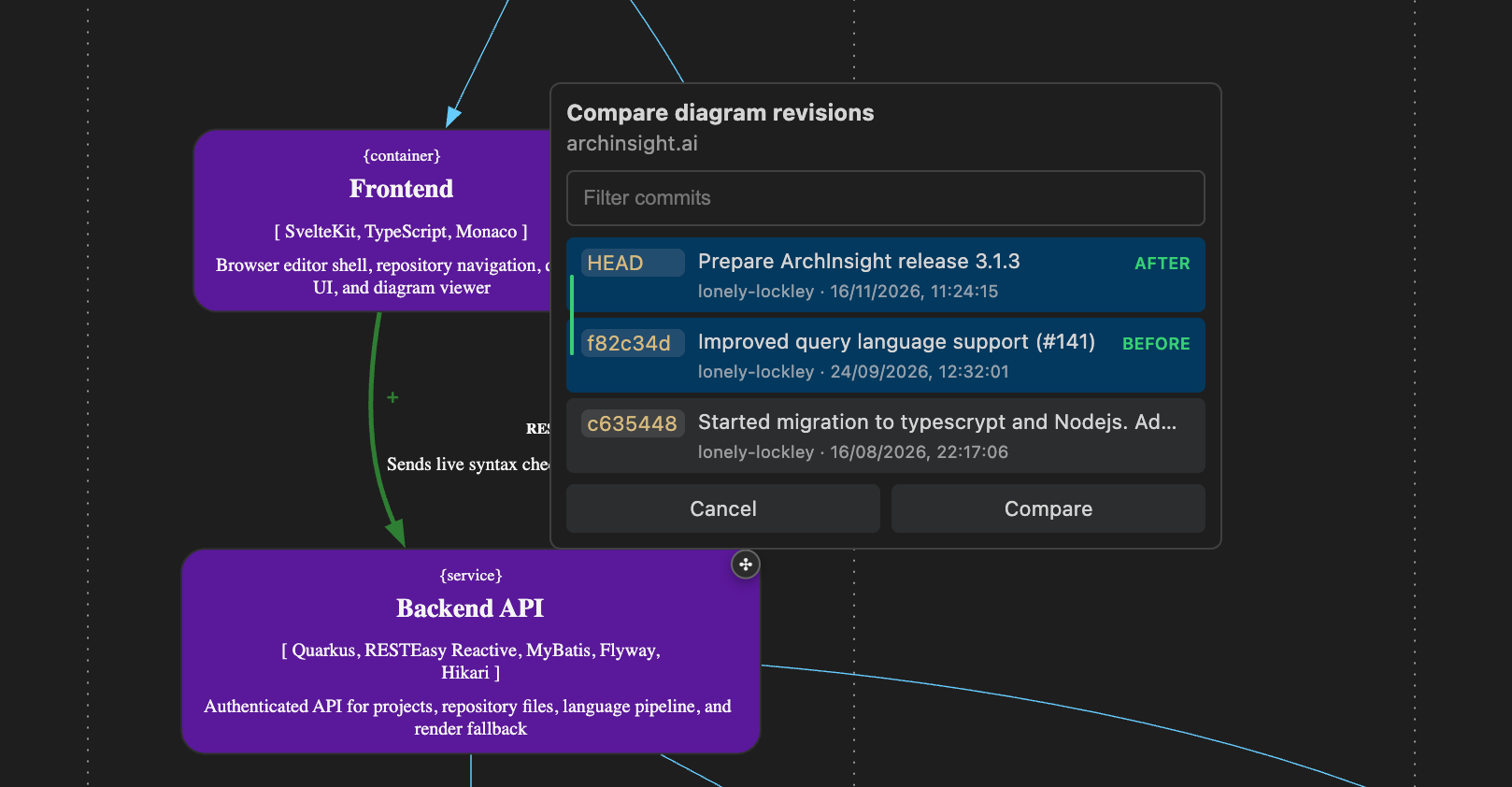
The selected Git revisions stay active as you navigate through the architecture.
Start at C1 to see which systems were affected. Switch to C2 or C3 to inspect individual dependencies. Open a deployment view to see how the changes affect infrastructure connections.
You can also use Quick Actions during a comparison. For example, isolate a modified service to examine its changed dependencies without the surrounding diagram.
Available in 3.1.3
Quick Actions are available in the web editor and VS Code extension. Interactive Visual Diff is supported only in workspaces with Git worktrees. The CLI can compare any two Git commits globally.